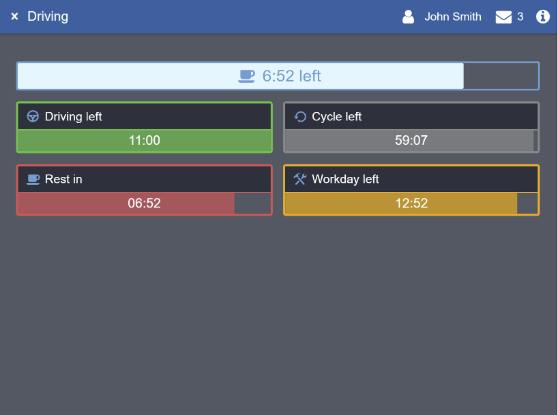
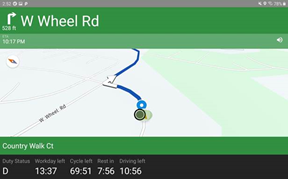
In-Motion Locking Overview
For the full mechanics of how In-Motion Locking works (HOS status + GPS speed logic, the locked/unlocked matrix, and override screen behavior), see Eleos’s official guide: In-Motion Locking.
The notes below cover a few things that guide doesn’t mention, specific to how this plays out in the ASR-branded app.
Disabling In-Motion Locking (IML)
To disable in-motion locking, the value for the speed threshold must be set within the platform itself to 100 MPH. The threshold cannot be set to 0/Null, the value would be set so high that no one would ever advance over it to activate the in-motion locking screen (regardless of what the integration returns).
Messages During In Motion Locking
While locked, you can’t send or read messages, but a new incoming message will be read aloud. The screenshots below show how the message notification appears on the dashboard (left) vs. during navigation (right).
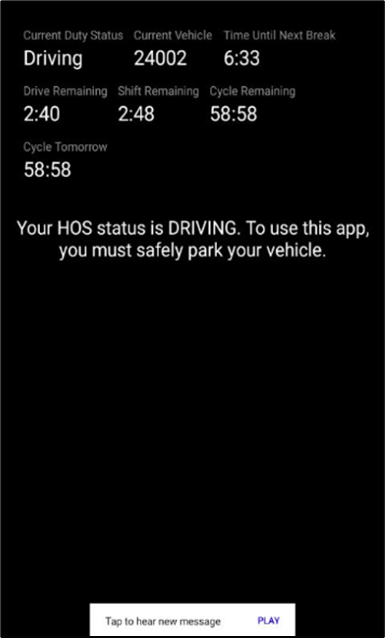 | 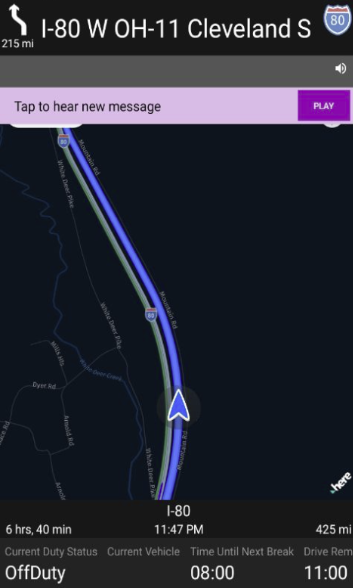 |
Note: message toast notifications may vary based on your MDM setup or TMS type.
driving=false and the Override Screen
If your integration sets driving=false for a user, this prevents the “I’m not driving a vehicle” override screen from appearing – unless Eleos is unable to fetch the driving status at all (e.g., endpoint down, poor/no cellular connection), in which case the override screen will still show.
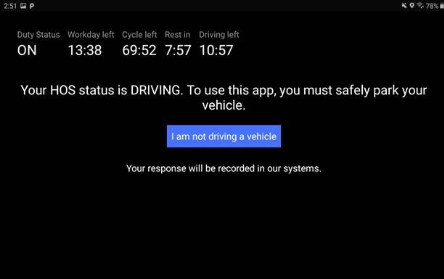
The override is a separate mechanism from IML itself: even if IML is disabled, if the integration returns driving=true (or returns nothing), the driver will still see the override confirmation prompt.
What Locked vs. Unlocked Looks Like
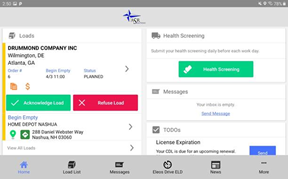
Below are some examples from the ASR branded version of the Eleos application, in various locked and unlocked stages, to demonstrate the logic of what in-motion locking looks like within the Eleos platform.
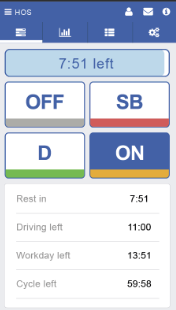
Geotab – Unlocked
Base Geotab screen showing ELD before moving. | Eleos Dashboard – Unlocked
Base Eleos screen showing the Dashboard before moving. |
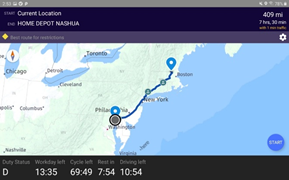
Eleos Navigation – Unlocked
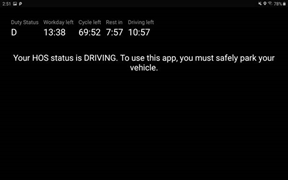
Base Eleos screen with Navigation before moving. | Eleos Dashboard – Locked
Locked Eleos screen if you start moving from Dashboard. |
Geotab – Locked
Locked Geotab screen if you start moving. | Eleos Navigation – Locked
Locked Eleos screen showing Navigation while moving. |